Hot Desking Kiosk
The Hot Desking Kiosk is our online portal initially developed after the response to hybrid working post covid and coinciding with a office relocation in London, providing a space where we come to work, but not just to work and the opportunity to connect, communnication and collorate.
Why have hot desks?
- To support the decision to embed hybrid working.
- To provide an additional layer of safety by:
- Showing who has been in the office and when.
- Tracking where people have been sitting.
- Enabling focus for our cleaning routines.
4. To be a flexible tool that can potentially be used in other offices.
Access to the Hot Desking Kiosk
- Access the hot desking kiosk by clicking the button below or copy and paste the following URL into a new tab on your web browers https://colart.rx-cloud.com/kiosk/?ID=1
- It is developed for single-sign on so no user name or passwords are required.
- The portal is cloud based meaning you can login in anywhere on any device.
Issue or Question? email hotdesking@colart.com
Booking in advance? you make secure desk bookings 4 week in advance
On the Day: How to check in at your hot desk
By making a desk booking you will be confirming that:
- I agree to follow the processes as set out in the London Hub Facilities and Services Handbook
On arrival at London Hub you are required to:.
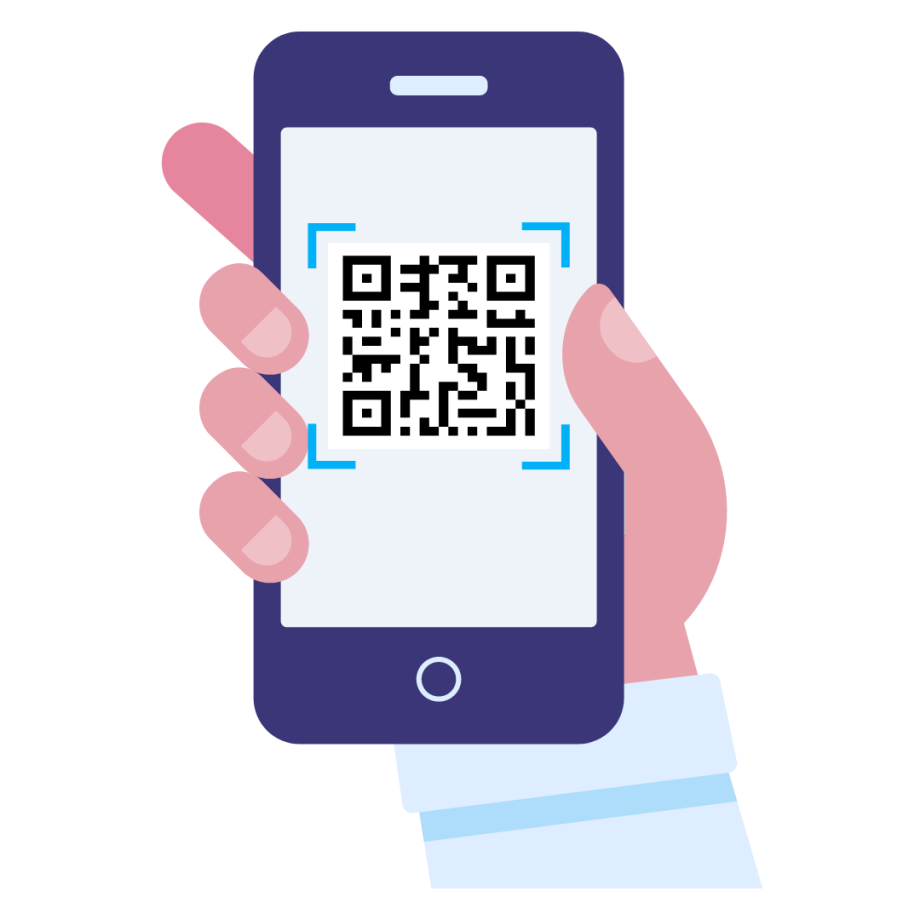
- From your mobile phone, confirm your booking by scanning the QR code attached to your desk
- Follow the instructions on your mobile phone to check-in
- Note: the portal automatically cancels and releases the desk for others book at 11am on the day of the booking
- If you arrive after 11am and have lost your booking or, you did not make a booking at all for that day, then
- locate a desk that is available
- scan the QR code and check-in, as described above
Hot Desking Kiosk e-Learning User Guides
While the Hot Desking Kiosk is simple and intuitive to use, the following eLearning videos have been developed as user guides to guide you through each process.